.svg)


Your phone, your laptop, your smart TV, even the website you are reading right now. All of them run on software. It tells a device what to do, and without it, a screen is just a screen.
But software is not one big lump. Different types have different jobs. Some run the device, some help you get work done, and some quietly stop problems before you notice them.
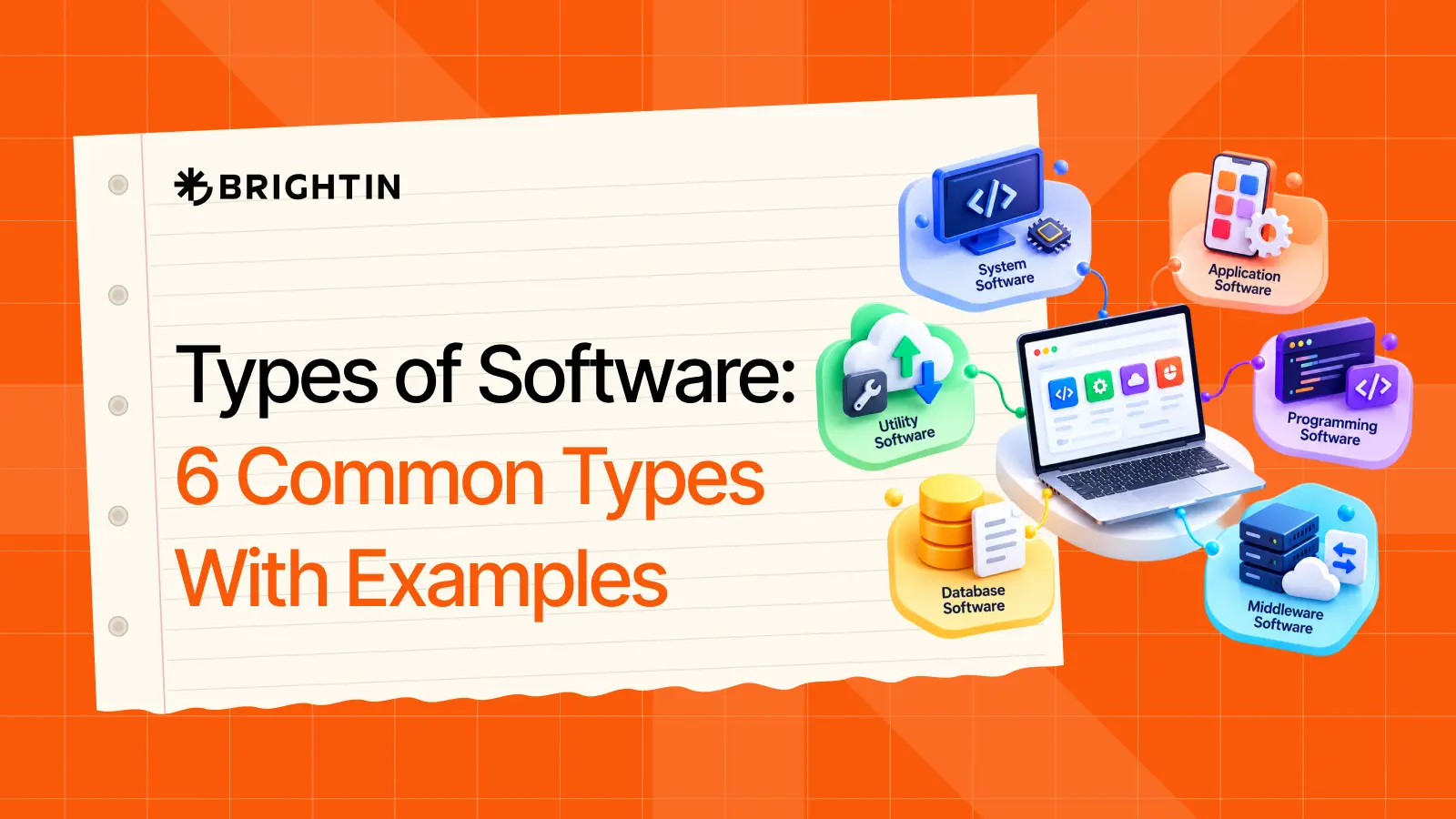
This guide explains six different types of software and their responsibilities. You will see what each type does, where you may find it, and a few easy examples.
What Is Software?
Software is a set of instructions that tells a computer or device what to do. It is the part you cannot touch, and it makes the hardware, like the screen, keyboard, or phone, useful for tasks such as browsing the web, writing documents, or sending messages.
Hardware is the part you can touch: the keyboard, the screen, the mouse, the phone in your hand. Software is the part you can't. It sits inside the device and gives the hardware something to do.
Here is one way to picture it. A radio with no signal is just plastic and wires. The signal is what makes it useful. Computers work similarly. Windows, Google Chrome, WhatsApp, and Microsoft Word are all software, and you have probably used at least one of them today.
Main Types of Software and What They Do
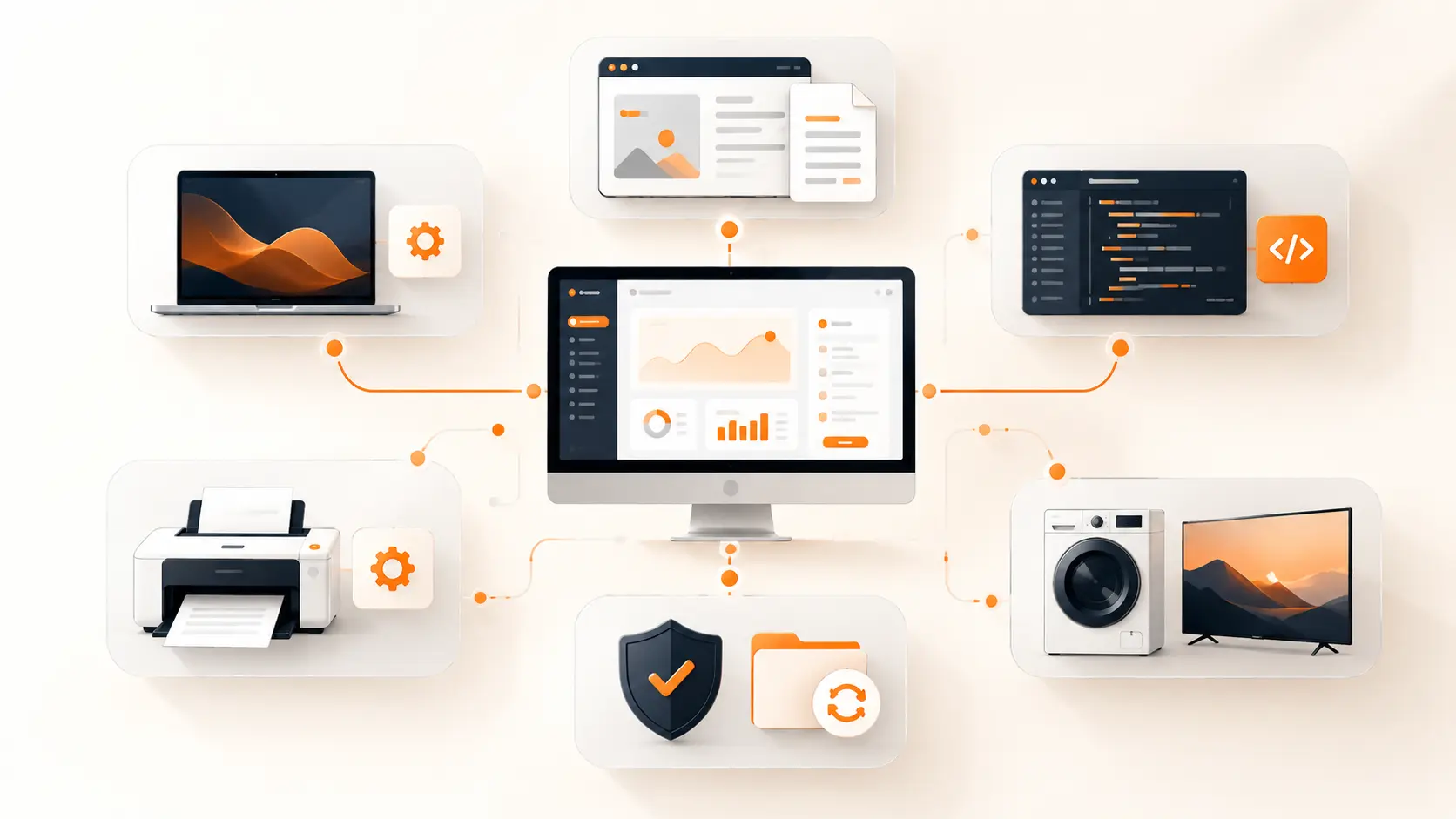
Software can be grouped in different ways. The six types below are common and easy to understand. Each one has a different job, from running a device to helping people work, learn, or chat with friends.
1. System Software
System software works in the background. Its job is to help the hardware and the other software get along. Most people never open it or click on it. They only notice that the phone turns on and the apps work.
Press the power button on your laptop, and system software is the first thing to wake up. It checks the screen, the memory, and the storage. Only after that can you open your browser.
Examples include Windows, macOS, Linux, Android, and iOS.
Operating Systems
An operating system manages files, apps, memory, and hardware. It is the main software that starts when a device turns on. That Windows logo you see while your laptop starts up? That is the operating system loading.
2. Application Software
Application software helps people finish tasks. It is the kind you use most days without thinking about it. Writing a report, watching a video, joining a call, sending an email: all of that happens inside an app.
The big difference from system software is choice. You open an app because you want something done, and you close it when you are finished.
Examples include Microsoft Word, Google Chrome, Gmail, Zoom, and Spotify.
Application software splits into two groups.
General-Purpose Application Software
This kind can be used for many jobs, and almost anyone can pick it up. Common examples are:
- Word processors
- Spreadsheets
- Web browsers
- Email tools
- Presentation tools
Take a spreadsheet. A student can use it to track exam marks. A shop owner can use the same tool to track weekly sales. The software is the same, but the use is very different.
Special-Purpose Application Software
This kind is made for one specific job. It does that job well, but you would not use it for much else. Common examples are:
- Accounting software
- Hospital management software
- Booking software
- Payroll software
- School management software
A hospital needs a system to keep patient records safe and easy to find. A school needs something else to track attendance and results. You would not swap one for the other.
3. Programming Software
Programming software helps developers create, test, and fix other software. Most people will never use it because it is built for the people who make apps and websites.
Writing code by hand with no help is slow, and small mistakes are easy to miss. These tools make the work quicker and the results easier to check.
Examples include Visual Studio Code, PyCharm, Git, compilers, and debuggers.
Compilers and Debuggers
A compiler turns code into instructions a computer can understand. A debugger helps developers find and fix errors.
4. Driver Software
Driver software helps an operating system communicate with hardware. A computer does not automatically know how to use every printer, mouse, or camera. The driver teaches it.
Some devices may not work properly without the correct driver. You may have lived this already. You plug in a new printer, press print, and nothing happens. Very often, the fix is to install or update the driver.
Examples include a printer driver, keyboard driver, mouse driver, graphics driver, and Wi-Fi driver.
5. Utility Software
Utility software helps keep a device safe, clean, fast, and organised. It handles the small jobs that save you from big headaches later.
It is often treated as part of system software because it looks after the device in the background. Still, many utility tools are separate programs you can choose and install yourself.
Examples include antivirus software, backup tools, file compression tools, disk cleanup tools, and password managers.
Backups are a good example. Nobody thinks about them until a laptop dies. A backup tool means your photos and files are still safe somewhere else. A password manager does a similar job. It lets you use strong, different passwords without having to remember them all.
6. Embedded Software
Embedded software runs inside a physical device or machine. It is made for one main job. Users may not see it, but the device needs it to work.
Think about a washing machine. You press a button, and it fills, spins, and drains in the right order. You never open an app or type a command. The software inside already knows what to do.
Examples include smart TVs, washing machines, car dashboards, ATMs, smart thermostats, and medical equipment.
This type tends to be small and focused. It often controls things like heat, speed, or safety, so it has to work properly every single time.
Which Types of Software Do Most Businesses Use?
Most businesses do not use every type of software. They usually depend on a few main types to run daily work, manage customers, and keep their devices working. Here are the three that matter most.
Application Software
This is the software employees use most every day. It helps with documents, email, meetings, spreadsheets, communication, and reports. If your team sits at computers, apps probably fill most of their working hours.
Examples include Microsoft Word, Google Workspace, Zoom, Slack, and Excel.
Cloud and SaaS Software
Many businesses now use software through a browser or app instead of installing it on every computer. This is called cloud software, or SaaS, which stands for "software as a service."
It helps teams work from different places and keeps data in one shared location. Picture a sales manager in one city and a support agent in another. Both can open the same customer notes at the same time. No files get emailed back and forth. A SaaS is usually a type of application software delivered online.
Examples include HubSpot, QuickBooks, Salesforce, Notion, and Shopify.
System Software
Every business device needs system software to work. It runs laptops, phones, printers, and other hardware in the background. Your team may never think about it, but nothing else would open without it.
Examples include Windows, macOS, Android, and iOS.
Some businesses also need custom software when ready-made tools cannot handle their workflow, customer needs, or business model. When off-the-shelf tools keep forcing your team to find workarounds, that is usually a sign it may be time to build something made for you.
Conclusion
Software comes in different types because devices and people need different things. System software keeps the device running. Application software helps with everyday tasks. Programming, driver, utility, and embedded software each handle their own part of the job. Start with the two big ones, and the rest will fall into place. Once you know who does what, technology feels much less confusing.
Frequently Asked Questions
What are the two main types of software?
The two broad types are system software and application software. System software runs the device. Application software helps people do tasks.
What is application software?
Application software helps people complete a task. Examples include Microsoft Word, Google Chrome, Gmail, Zoom, and Spotify.
What is system software?
System software runs a device and helps hardware and applications work together. Windows, macOS, Android, and iOS are examples.
Is a mobile app application software?
Yes. Mobile apps such as WhatsApp, Uber, Spotify, and Google Maps are application software because they help users do tasks.
What is the difference between system software and application software?
System software helps the device work. Application software helps people use the device to complete a task.