Dashboard•••
$4,850Revenue12.8kVisitors3.42%Conversion
OUR CLIENTS
(2025-26)

Real problems. Clear solutions. Measurable impact.s.

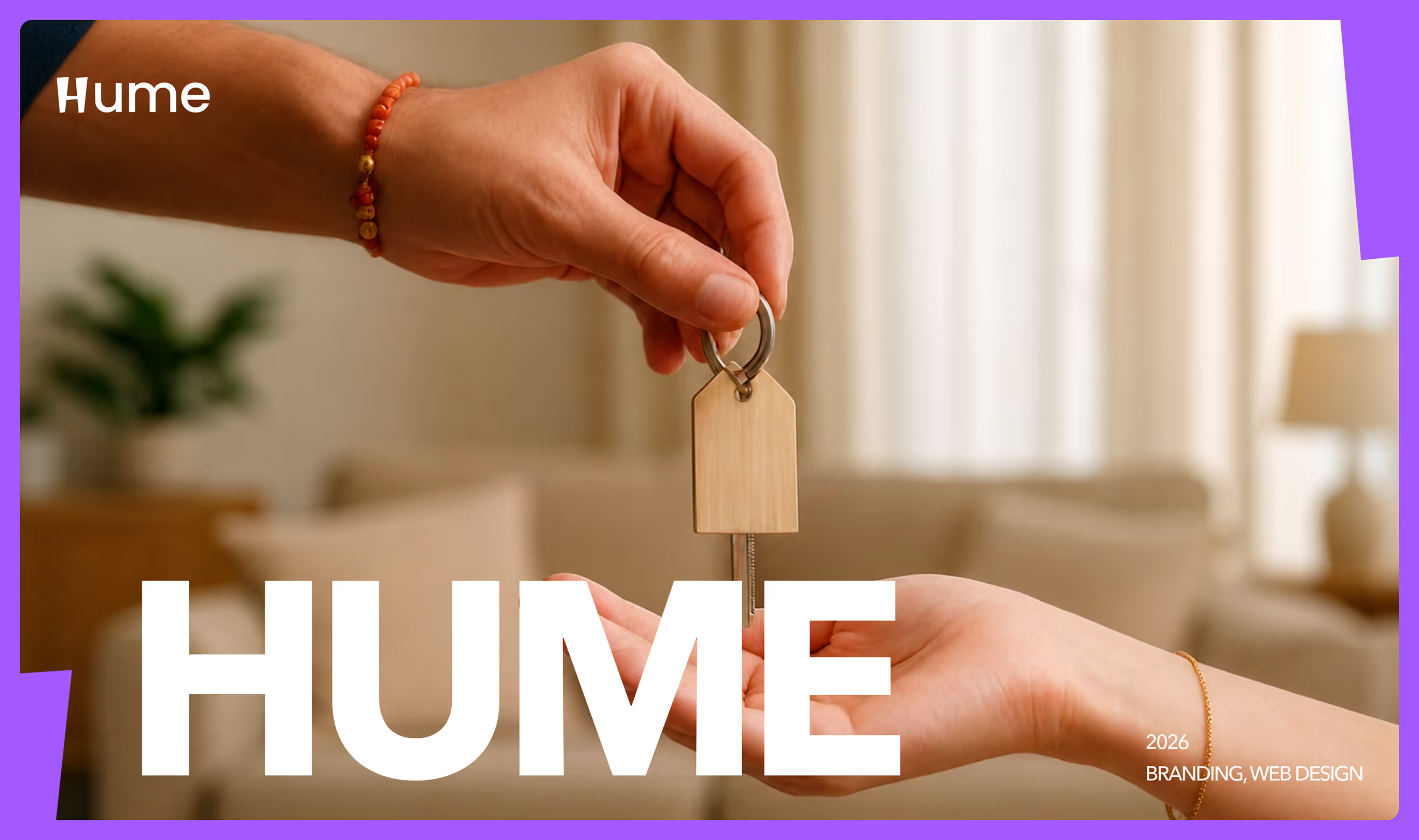
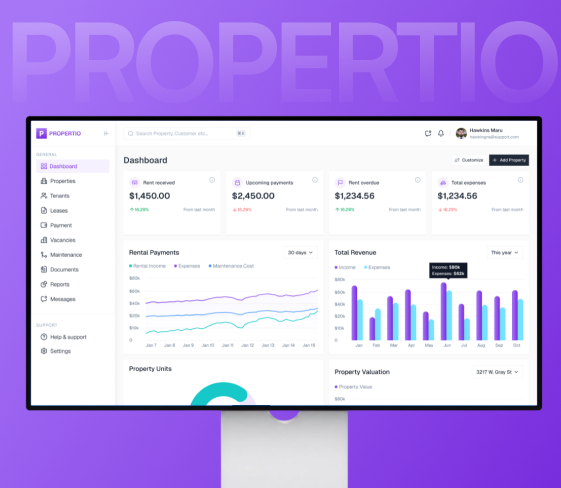
Hume - Modern Real Estate Platform

Web App
SaaS
UI/UX
Real Estate Software
Web App
PropTech
Orange asterisk or star symbol on a gray background.

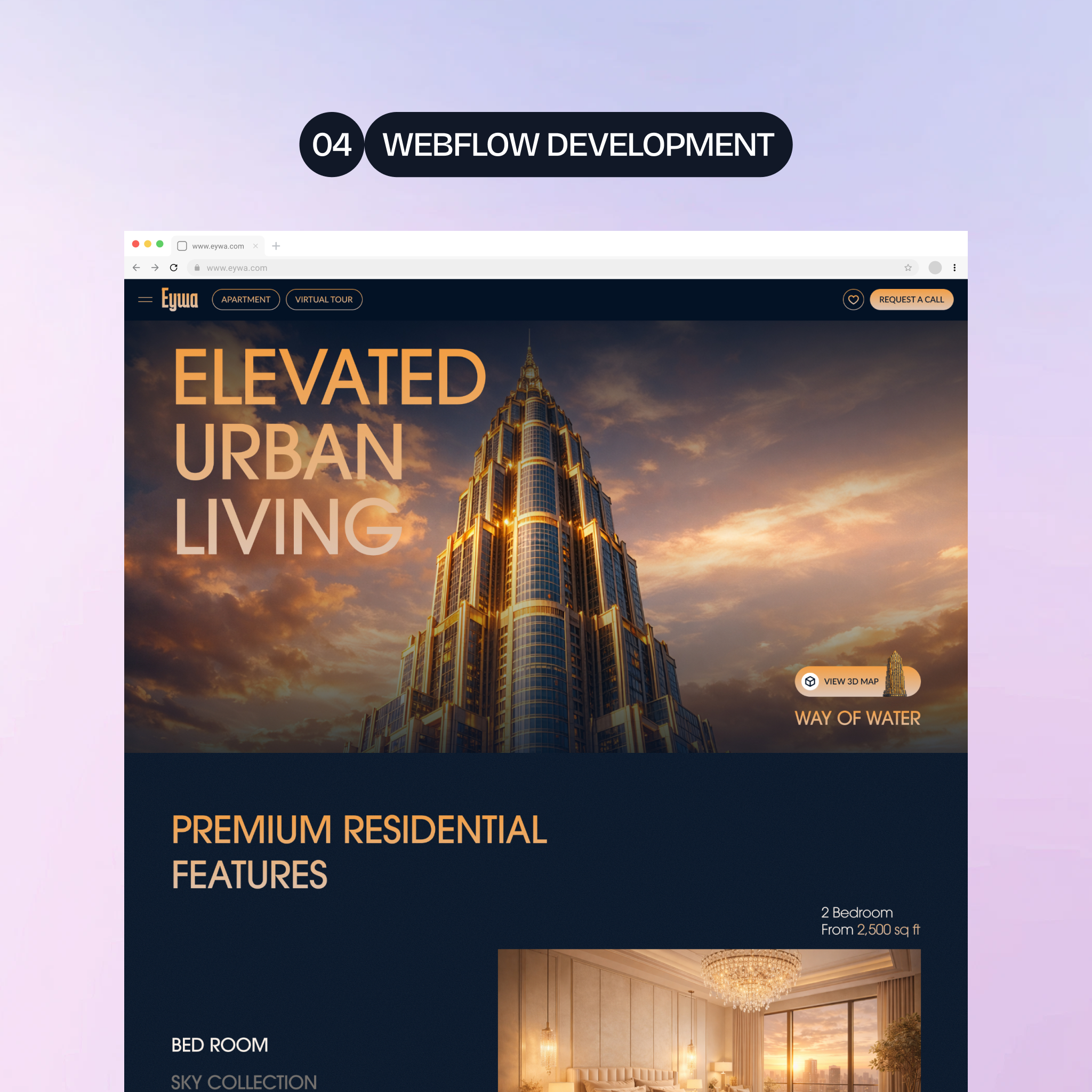
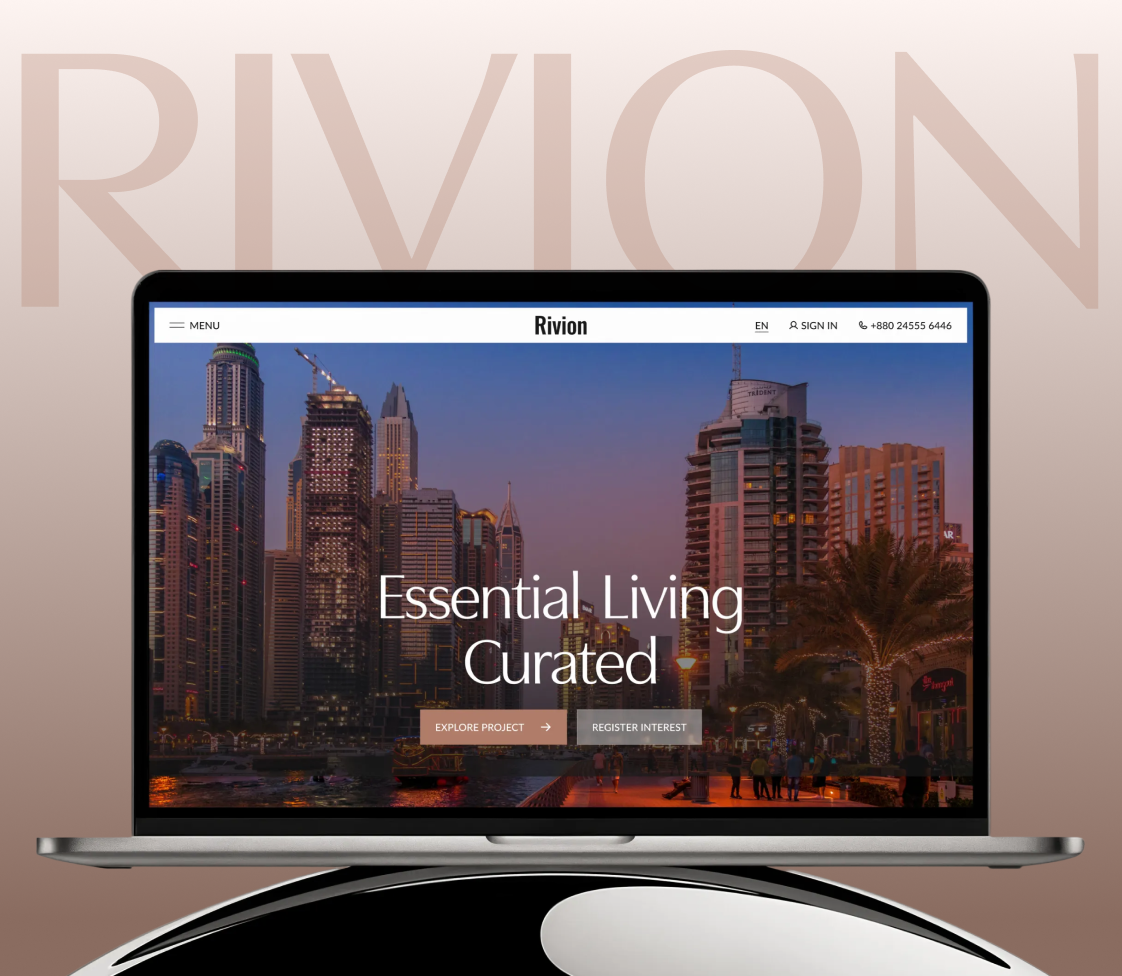
Rivion - Luxury Real Estate Development

Real Estate
Web App
UI/UX
Luxury Brand
Website Design
Orange asterisk or star symbol on a gray background.

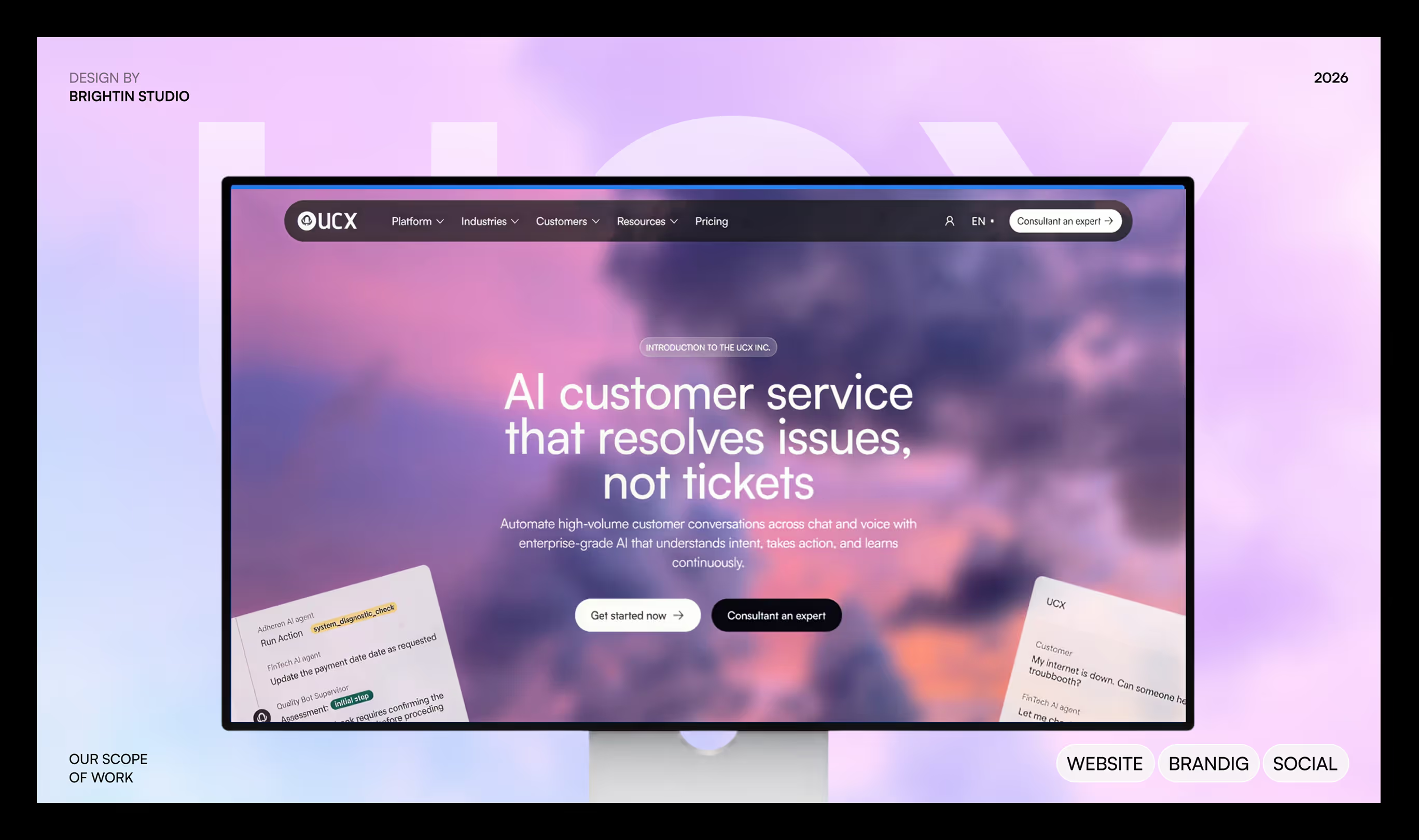
UCX - AI Customer Service

Web App
AI
SaaS
Web App
UI/UX
Product Design
Orange asterisk or star symbol on a gray background.
Our Process

Our UI UX Design Process

We begin by understanding the user, the product goal, and the task that matters most. Next, we map the steps users take and identify where the experience may feel unclear. Wireframes help us arrange the content and actions before we focus on visual details. We then create a prototype that lets you review the main flow as if it were a working product. Feedback helps us improve the design before development begins. Finally, we prepare the screens, component details, and notes your team needs to build the product. The process gives you a clear path from product idea to a design that is ready to use.

01

Learn About Users and Product Goals

We begin with your product idea, your users, and the result they need. We identify the main task, key questions, and the parts of the current experience that may cause delay or confusion.

02

Map the User Journey

We show how users move through the product from their first action to the result they want. This helps us find missing steps, unclear choices, and places where information should appear sooner.

03

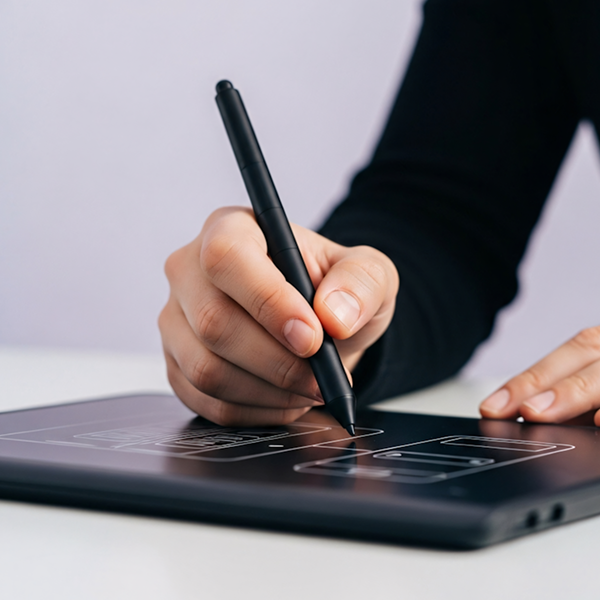
Create Wireframes and Product Flows

We plan the screen layouts in a simple form before adding colors or final visuals. You can review the order of content, buttons, forms, and key actions while the product structure is still easy to change.

04

Design and Test the Interface

We turn approved wireframes into detailed interface designs. A clickable prototype lets you try the important paths, share the design with others, and collect feedback before the product goes into development.

05

Prepare the Handover for Development

We organize the approved screens, design parts, and interaction notes for the build team. This helps developers understand how the product should look, respond, and adapt across different screen sizes.

Testimonials

What clients say about working with us

“Brightin Studio delivered a responsive, fully functional website that is easy to manage and update. Their project management was smooth and well organised, and the team was supportive and responsive throughout.”

Forhad Shikder
Founder & CEO, Prime Vision Foundation

“Working with Brightin on my website redesign and new mobile and web app was a very good experience. I wanted a clearer website that would make it easier for customers to understand my services and take the next step.”

Doly Albetro
Business Owner

“Brightin Studio built a mobile app for my London real estate business and redesigned our website. One team handled both projects, helping the app, website, and user experience feel clear, useful, and connected”

William James
Real Estate Business Owner

“I worked with Brightin Studio for my fintech business. First, they designed and developed our website. Later, I asked them to build a web application and a mobile app so my team could manage customers more easily.”

Ebony Loewe
Fintech Business Owner

“The quality of the work was strong, and the team was reliable from beginning to delivery. We appreciated their practical approach and clear communication.”

Private Upwork Client
Project completed via Upwork
START A PROJECT

Have a project in mind? Let’s build it.

PREFER A CALL? BOOK NOW
Mushfiqur Rahman

CEO, Brightin Studio

Tell us about your project

How Can We Help You?

Thank you! Your submission has been received!
Oops! Something went wrong while submitting the form.
Prefer a call? Book Now
Mushfiqur Rahman

CEO, Brightin Studio