.svg)


Your team uses three tools to do one job. Someone copies an order into a sheet, then sends the same details by email. It works, but it takes time. You may need a way to link those tools. A whole new app could be more than you need.
Or perhaps you have an app idea and no clear plan for the first build. That calls for a different kind of help.
The software consulting types below cover these needs and more. Some help you choose what to build. Others focus on slow apps, old systems, cloud costs, or screens that confuse users. This guide explains ten common types, when each can help, and what to ask for before work starts.
In this guide
- What is software consulting?
- 10 common types explained
- How to choose the right service
- Frequently asked questions
What Is Software Consulting?
Software consulting means getting expert help with software choices and problems. A consultant checks what you use now and what your business needs. They then help you plan the next step. That could mean buying a tool, changing an app, or fixing how two systems share data.
The work may end with a report and a plan. It may include design, code, or tests too. Those tasks need to be part of the agreed scope.
There is no fixed list that every firm uses. These ten types are common ways to group the work. One project may need help from more than one group.
10 Common Types of Software Consulting Explained
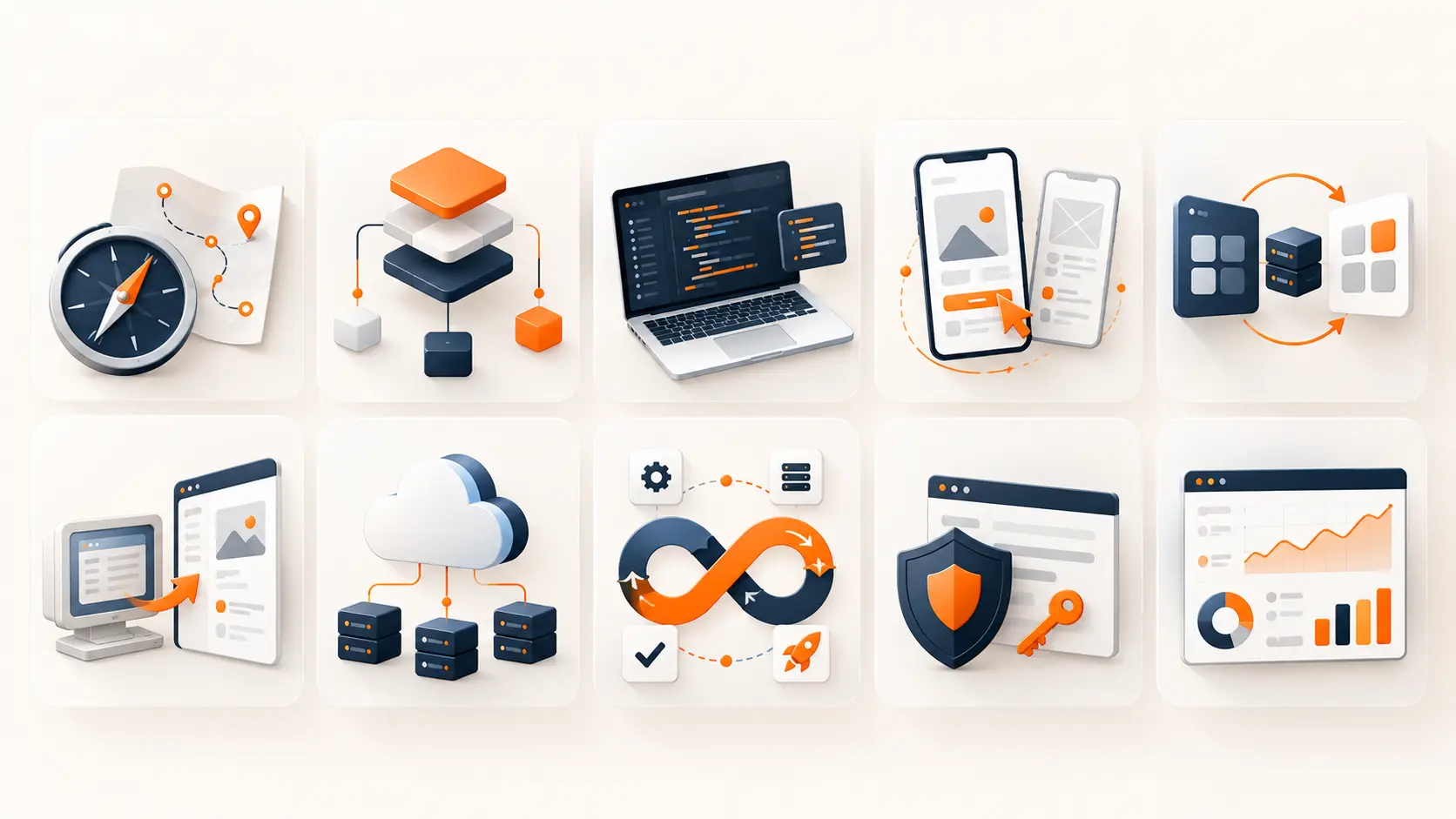
Start with the problem you want to solve. A slow app and a hard-to-use app may look like the same issue to a customer. Yet each may need a different fix. The examples below show how these needs differ. They describe common situations you may face at work.
1. Software Strategy and Selection Consulting
This helps you decide which software your business needs and what to do first. It can also help you choose between buying a tool and building your own.
Say you run a small repair firm. You want customers to book a slot online. Before paying for a custom app, you could test whether an existing booking tool does the job.
A consultant should look at how staff take bookings now. Can customers change a slot? Who handles refunds? Does the tool fit the way you charge? These details matter more than a long feature list.
The review should include the costs after launch, such as licence fees, staff training, and support. A low starting price can hide a lot of work later.
Ask for a short list of tools that fit your needs. Each choice should come with reasons, costs, and a clear next step.
2. Software Architecture Consulting
Architecture is the way the parts of an app fit together. This type of advice covers where data lives, how features connect, and how the app handles more use.
Take a client portal with files, invoices, and staff accounts. You need rules for who can see each file. You also need to know what happens if a payment tool stops working.
An architecture review looks at these choices before they become hard to change. It can also help when a live app slows down as more people use it.
The aim is a design your team can build and look after. Adding more parts does not always make an app better. It may give a small team more work than it can handle.
You should get a map of the system and a list of weak points. The advice should explain the key choices. Check that the plan fits your budget and team size.
3. Software Development Consulting
Development consulting helps turn an idea into a clear build plan. It can cover the scope, tools, code, tests, and steps needed to launch.
For a new booking app, the first version might let users pick a slot and pay. Loyalty points and detailed reports could wait. That is the aim of MVP development: a small first version that people can try.
It is also useful when work is already under way. Perhaps dates keep slipping, or each change causes new bugs. A consultant can review the code and the way the team works to find likely causes.
Agree on what a finished feature must do before the build starts. For a payment flow, that includes failed payments and refunds, not just a successful sale.
Before work starts, ask for the scope and key risks in writing. You also need a test plan. Check whether the fee covers advice, coding, or both.
4. UI/UX Design Consulting
UI means the screens and controls people use. UX is how it feels to use the product and get a job done. This advice helps make that path easier to follow.
Perhaps people start your sign-up form but rarely finish it. The form may ask for too much too soon. A button may be hard to find. Or users may not know why you need a piece of data.
A design review starts with evidence, such as user feedback, support requests, and task tests. A screen can look good and still be hard to use.
The next step may be a new flow or a clickable draft. People can try it before your team starts the full build.
With UI/UX design services, you may get new screens, test findings, and notes for the build team. Ask which changes matter most and how the team will check if they help.
5. Systems Integration Consulting
This helps separate tools share the right data. It is useful when staff keep typing the same details into different systems.
Imagine an online order that must reach your accounts tool. The link needs to send the right amount, customer details, and order number. It also needs to handle refunds and avoid sending the same order twice.
APIs, which let software exchange data, are one way to make these links. But access, fees, and limits vary between tools. Those checks should happen before anyone promises that a link will work.
For custom web applications, the plan should also show what happens when a tool is offline. Who sees the error? Can the missing update be sent again?
Ask for a map that shows where each piece of data goes. You also need a way to spot failed updates. Agree which tool holds the main record when two copies do not match.
6. Legacy Software Modernisation Consulting
Legacy software is an older system your business still relies on. It may work well in some ways but be hard to update or connect to newer tools.
Age alone is not a good reason to replace it. The first job is to find what still works and what is causing real trouble.
For example, a property firm may use older real estate software to hold lease records. Staff know it well, but finding a file takes too long. A review might suggest a better search tool before a full rebuild.
In other cases, the software no longer gets fixes for known security flaws. That makes a plan to replace it more urgent.
The plan should show what to keep and what to change. It must also explain how to move records without losing them. Include tests, staff training, and a way back if the move fails. Changes can often be made in stages while daily work continues.
7. Cloud Consulting
Cloud consulting helps you decide where your software should run and how to manage that setup. It can cover moving an app, keeping it online, and checking running costs.
A booking site may be busy in summer and quiet in winter. A review can check whether its hosting can adjust to that demand. It should also check what happens during a fault.
Start with the whole cost. Hosting is one part. Data storage, backups, support, and moving data can also add to the bill. Moving to the cloud will not always make an app cheaper.
Cloud firms also offer advice. For example, AWS Professional Services helps firms design, build, move, and manage apps on AWS.
Agree on the likely costs, access rules, and backup needs. You should also have a plan for the move. Include a test that checks whether saved data can be restored. Check that the backup works before you need to rely on it.
8. DevOps and Release Consulting
DevOps helps the people who build software work with those who keep it running. The focus here is on testing changes, putting them live, and spotting faults.
Think of a team that releases updates late at night. One person follows a long list of steps by hand. If a step is missed, users may find that part of the app no longer works.
A review can help set up tools that run repeated steps and checks. It can also set rules for who approves a change and what happens if it fails.
Cloud advice focuses on where the app runs. DevOps advice focuses more on how the team changes and runs it over time. The two often overlap.
Ask for a set of release steps your team can follow. This should include tests, fault alerts, and a way to restore a safe version. Check that staff can use it without the consultant there.
9. Software Security Consulting
Software security consulting looks for ways an app or its data could be misused. Reviews may cover sign-in, access rights, stored data, and code from outside sources.
In fintech software development, a customer portal may hold bank details and payment records. A signed-in user should only see the records they are allowed to view. Hiding a link on a screen is not enough. The app must check access when someone asks to open a record.
An expert may review the design, check code, or run agreed tests. The OWASP Application Security Verification Standard provides requirements for secure development and checks for web apps.
The report should explain what was found in plain terms. It should say what is at risk and which fixes come first. Ask how those fixes will be checked.
Agree on access and test limits before work begins. A review gives you evidence and actions to take. It cannot promise that an app will never face a security problem.
10. Data and Analytics Consulting
This helps a business turn its software data into reports people can trust. The work often starts with where the numbers come from and what they mean.
Suppose the sales team reports one revenue figure and finance reports another. Sales may count booked orders. Finance may count money received. Both teams could have the right numbers for different questions.
A data review can find gaps, duplicate records, and rules that do not match. It can then set clear terms for the reports your team needs.
That work should come before a new dashboard. A neat chart will still mislead people if the data behind it is wrong or out of date.
Agree on rules for the main figures and a plan to fix errors. For each report, set out where the data comes from and when it updates. Choose someone to check it when a number looks wrong.
How to Choose the Right Software Consulting Service
Bring one real problem to the first call. Show a task that takes too long, a screen people leave, or a report no one trusts. That gives a consultant something specific to assess.
Then check these five points:
- Past work: Ask about work on a problem like yours. A clear example tells you more than a long list of tools.
- The person doing the work: Find out who will review your app and explain the findings. Ask how much time they can give the project.
- A clear result: Agree on what you will receive. It might be tested screens, a code review, or a plan for linking two tools.
- Costs and limits: Check the fee, likely dates, access needed, and what counts as extra work. Make sure both sides agree on the scope.
- The next step: Ask who will make the changes and how you will check the result. Keep copies of the findings and decisions for your own team.
If the cause of a problem is unclear, start with a small review. Use the findings to decide what comes next. You do not need to book every service before you know where the main issue lies.
Frequently Asked Questions
What is the difference between software consulting and IT consulting?
Software consulting focuses on apps and systems: choosing them, building them, or making them work better. IT consulting covers a wider area. It can include office networks, devices, staff access, and other tech. Some firms do both. Check the tasks in their work plan.
Do software consultants write code?
Some do. Others review your needs and give advice to a team that handles the build. A project can include both roles. Check who will write and test the code. Also ask who will fix problems after launch.
Can small businesses use software consulting?
Yes. The work can be small and focused. You might need help choosing a booking tool or linking two apps. Start with the task that costs your team the most time. Ask for a scope and fee that fit that need.
How much does software consulting cost?
The cost depends on the problem, the skills needed, and the amount of work. A short review has a different scope from a project that includes building and testing. Get a written quote that lists the tasks and what you will receive. Check for extra charges too.
Plan Your Next Software Project with Brightin Studio
Have an app idea or a task your current tools make harder than it should be? Tell us what people need to do and where they get stuck.
Brightin Studio helps teams plan products, design clear screens, and build web and mobile apps. Our web and SaaS development work starts with the tasks your product needs to support. We can discuss the scope and a practical first step with you.